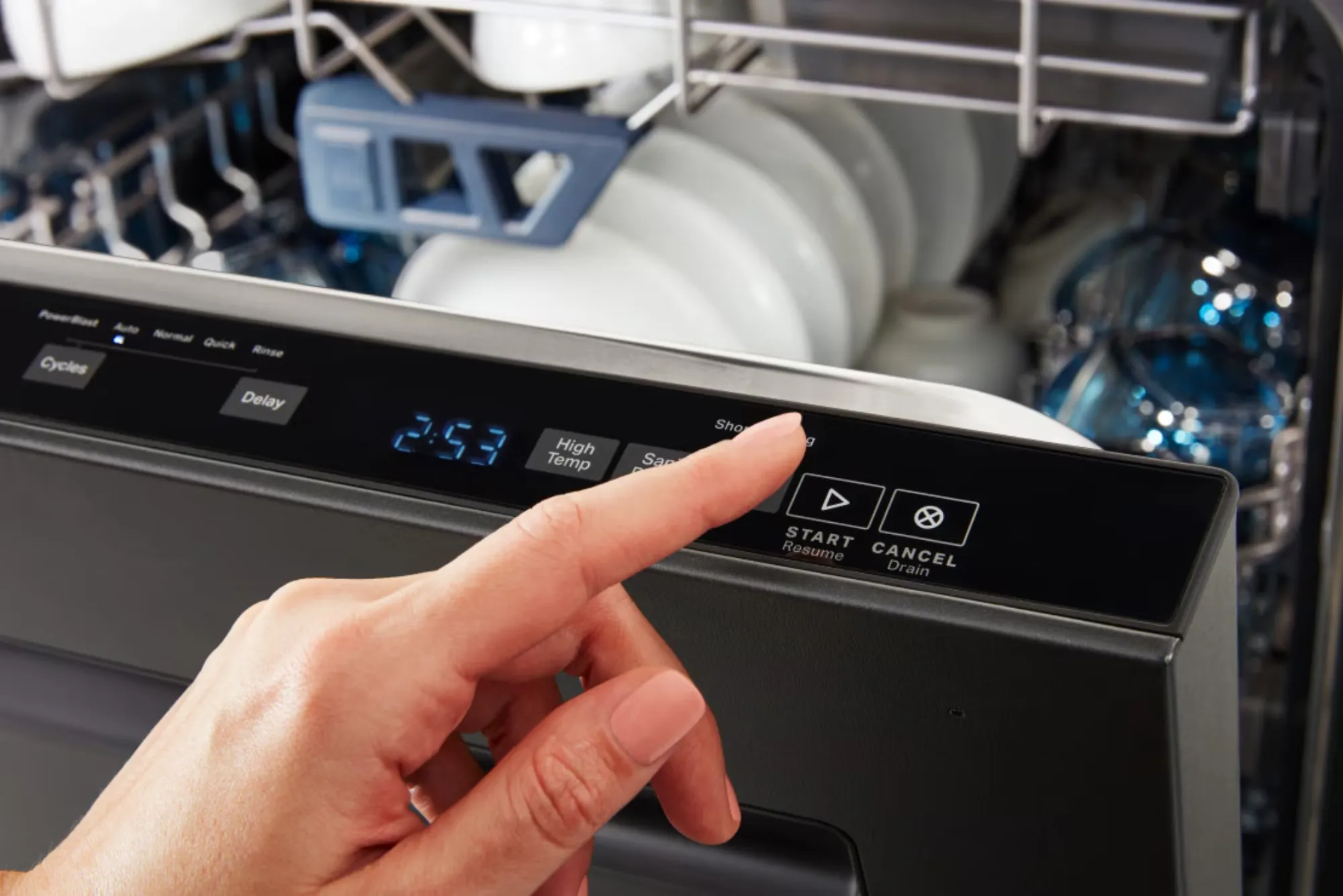
Modern dishwashers have become an essential part of everyday living, reducing the time and effort needed to clean dishes. Among their many components, the touchpad plays a vital role in controlling the appliance. Unlike older dishwashers that relied on mechanical knobs and switches, today’s models often feature digital touchpads that allow users to select cycles, adjust settings, and monitor progress with ease.
However, like any electronic component, the touchpad is not immune to problems. When it fails, the entire dishwasher may become unresponsive, leaving homeowners frustrated. Understanding how to diagnose dishwasher touchpad failures is essential, whether you are a service technician or a homeowner seeking to identify the issue before calling in a professional.
The Role of the Touchpad in Modern Dishwashers
The touchpad serves as the interface between the user and the dishwasher’s control board. When a command is given—such as selecting a wash cycle or pressing the start button—the touchpad communicates that input to the control board, which then activates the corresponding functions. It essentially acts as the command center of the appliance, and without it, the dishwasher cannot operate effectively.
Touchpads rely on sensitive electronic circuits that register a user’s touch. While this provides convenience and modern appeal, it also means that issues such as moisture, electrical surges, or wear and tear can disrupt their function. A properly working touchpad is critical for smooth operation, making it one of the most common components to examine when a dishwasher malfunctions.
Common Symptoms of a Failing Touchpad
Diagnosing touchpad issues begins with recognizing the signs. When a dishwasher touchpad fails, it rarely happens without warning. Several symptoms may indicate the problem lies within the touchpad rather than the control board or other components.
One of the most obvious indicators is unresponsiveness. If pressing the buttons produces no reaction, or if only certain buttons work intermittently, the touchpad may be failing. In some cases, the dishwasher may respond inconsistently, such as starting a cycle but then stopping unexpectedly. Users might also notice that the display lights flicker, certain cycles cannot be selected, or the machine emits unusual beeping sounds when buttons are pressed.
Another common sign is when the dishwasher powers on, but the cycle cannot be started because the touchpad does not register the start command. These irregularities often point toward a failing touchpad, especially if the power supply and control board appear to be functioning normally.
Causes of Dishwasher Touchpad Failures
Several factors can contribute to the malfunction of a dishwasher touchpad. One of the most frequent causes is moisture damage. Since dishwashers operate in a humid environment, steam and condensation can sometimes seep into the control panel, leading to corrosion or short circuits on the touchpad’s sensitive electronics. Over time, this exposure can cause permanent damage.
Electrical issues are another common culprit. A power surge, faulty wiring, or issues with the dishwasher’s control board can interfere with the touchpad’s ability to communicate commands. In some cases, the touchpad may not be the root cause, but it may appear faulty due to communication problems with the main control unit.
Wear and tear also play a significant role. Just like any frequently used appliance component, the touchpad endures constant pressure and usage. Repeated pressing of certain buttons may lead to uneven wear, making those specific keys less responsive over time. In addition, manufacturing defects or low-quality materials in budget models can result in premature failure.
Steps to Diagnose a Dishwasher Touchpad Problem
Diagnosing a touchpad failure requires careful observation and a methodical approach. The first step is always to ensure that the dishwasher is receiving proper power. A simple test of the outlet with another appliance can confirm whether the issue is related to the power supply. If the dishwasher is receiving power but remains unresponsive, attention should shift to the touchpad and control panel.
One way to test the touchpad is to check whether any lights illuminate on the display when the dishwasher is powered on. If the display works but the buttons do not respond, it is a strong indicator that the touchpad is the problem. Conversely, if neither the display nor the buttons function, the issue may extend to the control board.
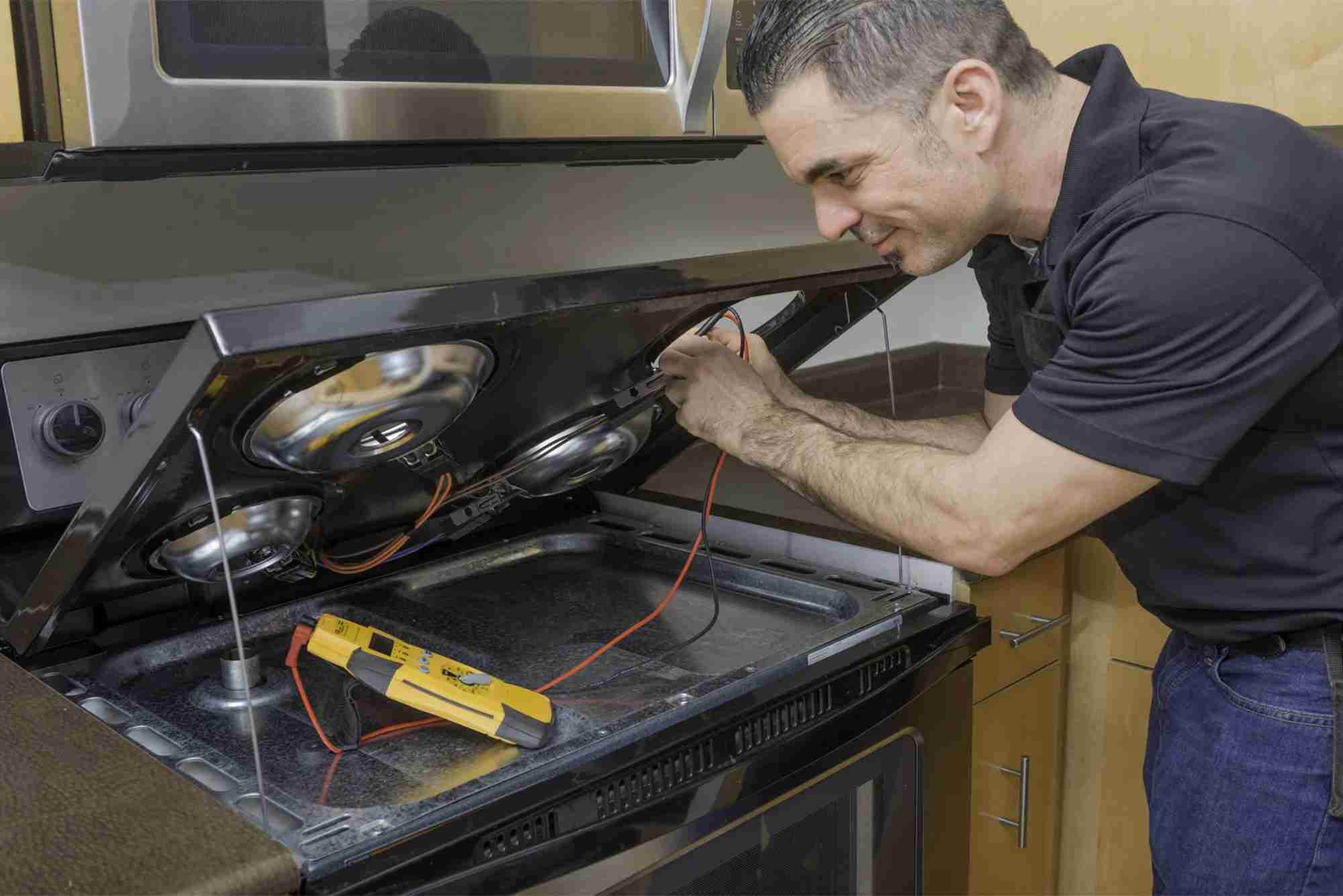
A continuity test using a multimeter can provide further confirmation. By carefully disassembling the control panel and testing the touchpad connections, a technician can determine whether electrical signals are passing correctly through the component. If continuity is lost at certain points, the touchpad is likely defective.
It is also essential to inspect the ribbon cable that connects the touchpad to the control board. Over time, this cable can become loose, damaged, or corroded. Reseating the connection or replacing the cable may resolve the issue without replacing the entire touchpad.
The Importance of Professional Diagnosis
While some homeowners may feel confident attempting to diagnose touchpad failures themselves, it is often wise to seek professional assistance. Dishwashers contain complex electrical systems, and improper handling can lead to additional damage or even safety hazards. A qualified technician can quickly differentiate between a failing touchpad, a faulty control board, or other related issues.
Professional diagnosis also ensures that the right component is replaced. Replacing the control board when the touchpad is actually at fault—or vice versa—can be costly and unnecessary. Technicians have the tools, expertise, and replacement parts needed to perform accurate assessments and efficient repairs.
Repairing or Replacing a Faulty Touchpad
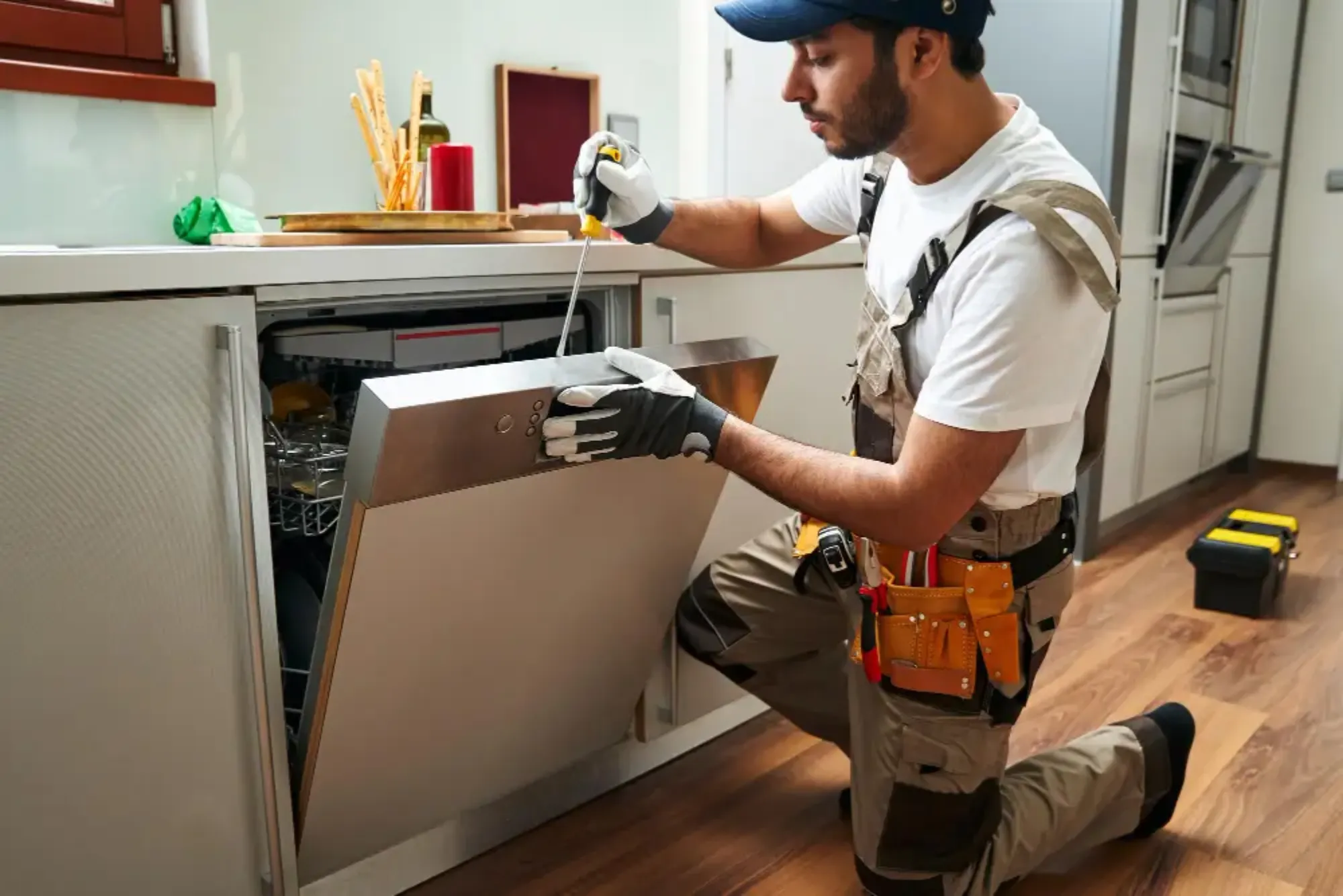
Once a faulty touchpad has been confirmed, the next step is deciding between repair and replacement. In most cases, dishwasher touchpads are not designed to be repaired at the component level, meaning replacement is the most practical option. Replacement involves removing the dishwasher’s control panel, disconnecting the old touchpad, and installing a new one.
The cost of replacing a touchpad varies depending on the brand and model of the dishwasher. Premium brands with advanced digital interfaces may require more expensive components, while standard models may be more affordable to repair. Labor costs also factor into the total expense if a professional technician is required.
For homeowners considering replacement, it is important to weigh the cost of repair against the age and condition of the dishwasher. If the appliance is relatively new, investing in a new touchpad is worthwhile. However, if the dishwasher is nearing the end of its expected lifespan, it may be more cost-effective to invest in a new unit.
Preventing Future Touchpad Failures
While some touchpad failures are unavoidable, there are steps homeowners can take to extend the life of their dishwasher’s control system. Keeping the area around the control panel dry is one of the most effective measures. Wiping away condensation or spills immediately can prevent moisture from seeping into the electronics.
Using a surge protector for the dishwasher’s power supply can also protect the touchpad and control board from electrical surges. Additionally, gentle use of the touchpad helps reduce wear and tear. Pressing buttons firmly but not excessively hard preserves the sensitivity of the touch sensors.
Regular maintenance of the dishwasher also plays a role in preventing future failures. Ensuring proper seals around the door helps minimize steam leakage toward the control panel. Cleaning filters and keeping the appliance in good working order reduces strain on all its components, including the touchpad.
The Role of Touchpad Diagnosis in Appliance Service
From a professional service perspective, diagnosing dishwasher touchpad failures is an essential skill. Many service calls involve unresponsive or malfunctioning control panels, and a technician’s ability to identify the exact cause ensures customer satisfaction and efficient repair. Misdiagnosis not only wastes time but also increases costs for both the technician and the customer.
In today’s appliance repair industry, where customer trust is key, accurate diagnosis builds credibility. Explaining the cause of the failure, demonstrating the steps taken to test the touchpad, and offering clear repair options provide transparency that homeowners appreciate. This professional approach not only solves immediate problems but also strengthens long-term client relationships.
Dishwasher touchpad failures are a common but manageable problem in modern households. By understanding the symptoms, causes, and diagnostic steps, both homeowners and service professionals can identify issues more effectively. While some problems can be resolved through simple troubleshooting, others require professional expertise to ensure safety and accuracy.
Ultimately, the touchpad is a vital component that directly affects the usability of the appliance. A failing touchpad may render the entire dishwasher inoperable, but with proper diagnosis and repair, the machine can be restored to full functionality. For homeowners, seeking timely service prevents minor issues from escalating, while for technicians, accurate diagnosis underscores their role as trusted experts.By prioritizing careful observation, professional service, and preventive maintenance, diagnosing dishwasher touchpad failures becomes less of a challenge and more of an opportunity to ensure reliable, long-lasting appliance performance.